Meet Mr. YOLO
A story about the developer who ships first, asks questions never, and leaves behind solutions that work perfectly — until someone else has to touch them.
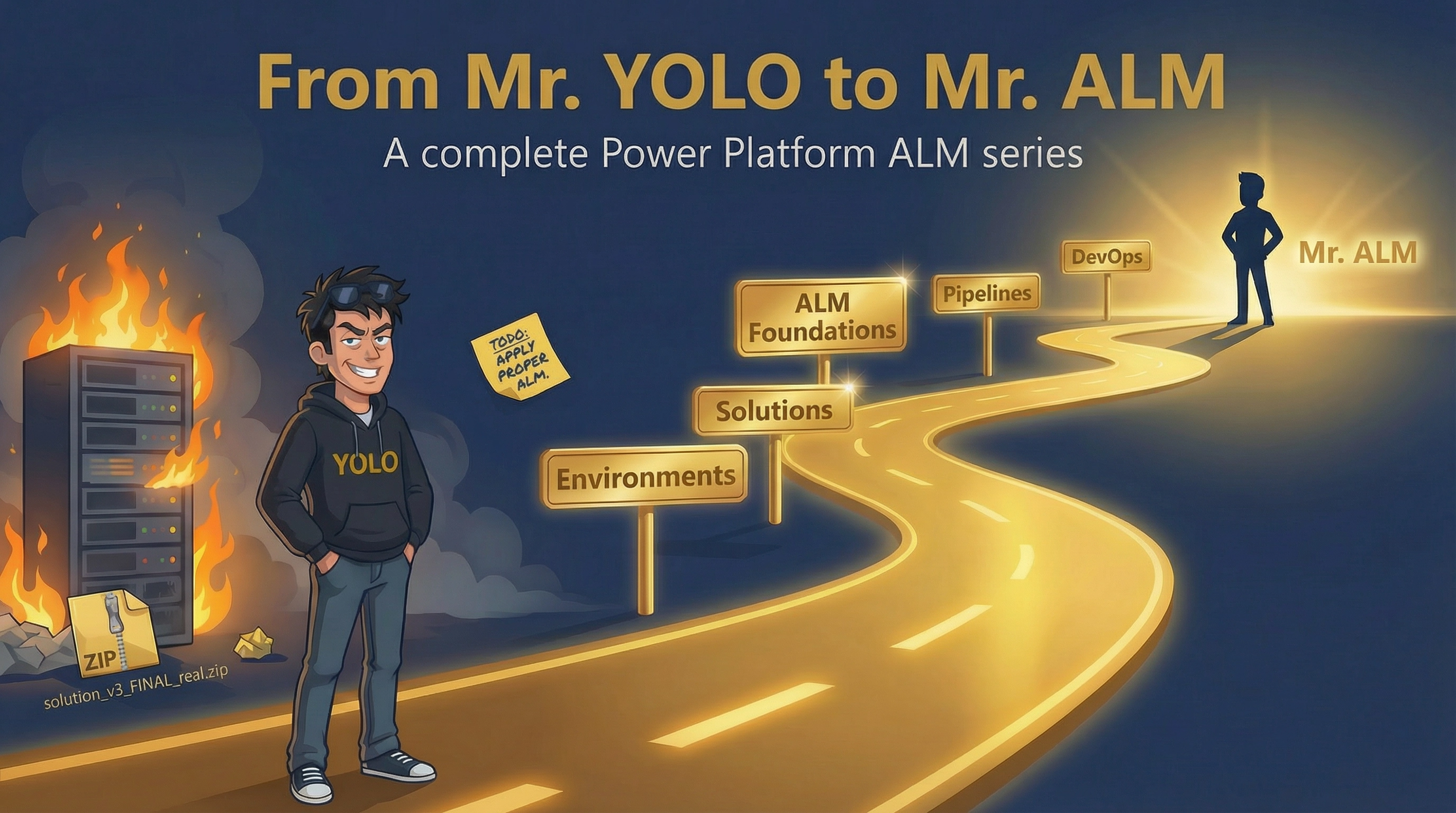
4:47 PM. Thursday. Two days before the client demo.
You get a requirement. Could be a flow, a table, a model-driven app — doesn't matter. You open make.powerapps.com. Top-right corner says Default environment. It's just a prototype. You'll sort the environment stuff later.
You build the tables. You build the flows. You wire up the canvas app. It works. You send the URL to the business users so they can start testing.
That's it. That's the moment. You just made the Default environment your dev, your test, and your production — all in one. Nobody decided this. There was no architecture meeting. No discussion. It happened the way most bad decisions happen on delivery projects: because nobody stopped to ask the question.
Six months later: forty-three users, three cloud flows, a canvas app with nineteen screens, a patch formula inside a timer control that runs every sixty seconds, and a SharePoint list doing the job of a relational database. No environment variables. The service account email is hardcoded in eleven flows. Nobody remembers the publisher prefix. The word "solution" on this project means a ZIP file sitting on someone's desktop, exported manually, emailed to the client, imported through a browser whenever something needs to be "deployed."
And somewhere in Azure DevOps: F#*@# APPLY A PROPER ALM. Created six months ago. Never touched. Assigned to Mr. YOLO.
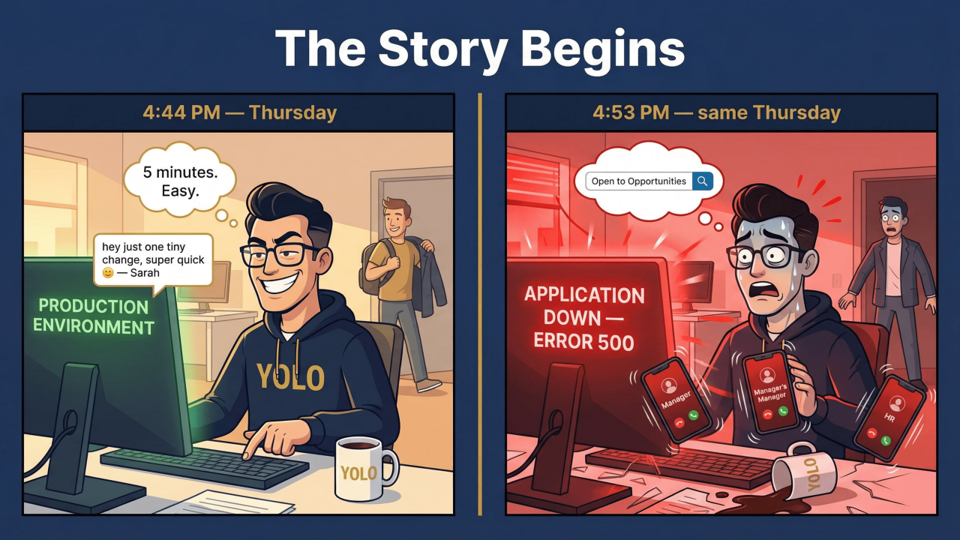
4:44 PM — "5 minutes. Easy." · 4:53 PM — APPLICATION DOWN, ERROR 500.
Who Mr. YOLO is and why he's the starting point for every deployment horror story · Why this series exists and who it's written for · The complete roadmap: 13 posts + 1 bonus deep-dive · A first look inside a real solution ZIP — the file most developers have never opened
Who Is Mr. YOLO?
Mr. YOLO is a fictional character. We're using him to put a face on the persona behind these mistakes — the dev defects we've all committed at some point. No judgment. Just a name for the pattern.
Remember him well. He'll be with us throughout the entire journey.
Why This Series Exists
Throughout my experience I've worked with great engineers and architects — people who design solid solutions, build clean data models, and deliver. But almost all of them had the same blind spot: ALM.
And I get it. Before you can apply ALM on Power Platform, you need to take a step back and understand what ALM actually means from a software and DevOps perspective first. Where does it come from? What problem does it solve? Then — and only then — does it make sense to look at where Power Platform lands in that space. Build the mindset first, then everything else follows. That's exactly how this series is structured.
I'll be covering everything — from the software principle itself all the way to how it's applied in Power Platform. So this is not a walk in the park. The posts will get harder as we move forward. What I promise is I'll make it as simple as possible without cutting corners on the details.
One more thing worth saying: ALM is one of the areas AI hasn't fully taken over yet. And I don't mean the exporting and importing — that's just the operational side. I'm talking about applying the full ALM methodology on a real project and actually maintaining it. That requires judgment, experience, and context. Not a prompt.
This series is for developers at all levels and consultants working in the business applications space — Dynamics 365 CE and Power Platform.
The Full Series Roadmap
13 posts + 1 bonus deep-dive, in the order you'll face the decisions. Each one covers a single layer of the ALM stack — and opens with the mistake Mr. YOLO makes at that layer.
| Post | Topic | Mr. YOLO's Mistake |
|---|---|---|
| Post 00 | Meet Mr. YOLO (you are here) | "Has no idea what he doesn't know" |
| Post 01 | Environment Strategy | "The default environment works fine" |
| Post 02 | DLP Policies | "Nobody else uses this tenant anyway" |
| Post 03 | Solutions 101 — Managed, Unmanaged, Publishers & Naming | "I just export the whole thing" |
| Post 04 | Solution Architecture & Segmentation | "One solution. Everything in it." |
| Post 05 | ALM Foundations | "What's ALM?" |
| Post 06 | Deployment Methods — The Decision Guide | "I just pick whatever's easiest" |
| Post 07 | Pipelines Deep-Dive: Power Platform Pipelines | "It worked once so it's fine" |
| Post 08 | Pipelines Deep-Dive: Azure DevOps & Build Tools | "I'll set up DevOps later" |
| Post 09 | Pipelines Deep-Dive: GitHub Actions | "We don't need CI/CD for this" |
| Post 10 | Pipelines Deep-Dive: ALM Accelerator | "That's too complicated for our team" |
| Post 11 | Pipelines Deep-Dive: Solution Packager & CLI | "What's a CLI?" |
| Post 12 | Environment Variables & Connection References | "I hardcoded the URL, it's fine" |
| ★ Bonus | Solution XML Anatomy | "I've never opened the ZIP" |
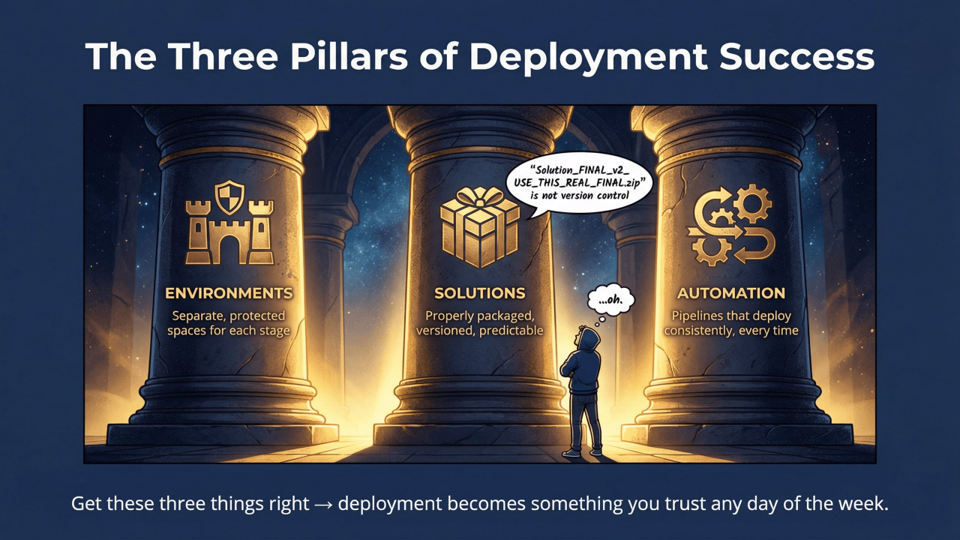
Environments. Solutions. Automation. Get these three right and deployment becomes something you trust any day of the week.
Post 01 is coming soon. Follow on LinkedIn to know when it drops.
Start With the Environment
The first real post in this series is about the decision Mr. YOLO made at 4:47 PM on Thursday — the one that put him in the Default environment and kept him there for six months. Post 01 covers what environments actually are as architecture decisions, why the choices made at creation time are permanent, the four mistakes that haunt every project that gets them wrong, and the checklist that prevents all of them.
If you're starting a new project — or inheriting one that already has these problems — Post 01 is where to begin.
Continued in Post 01 — Environment Strategy: the topology decisions that determine whether your project survives go-live.
Everything here is from the field. My experience, my take, my mistakes. Not my employer's. Not Microsoft's. If something has changed or you've seen it play out differently, I'd like to hear it. Find me on LinkedIn.